
Zambulay pays ad platforms from USDT — if that is your exact job
 Available in US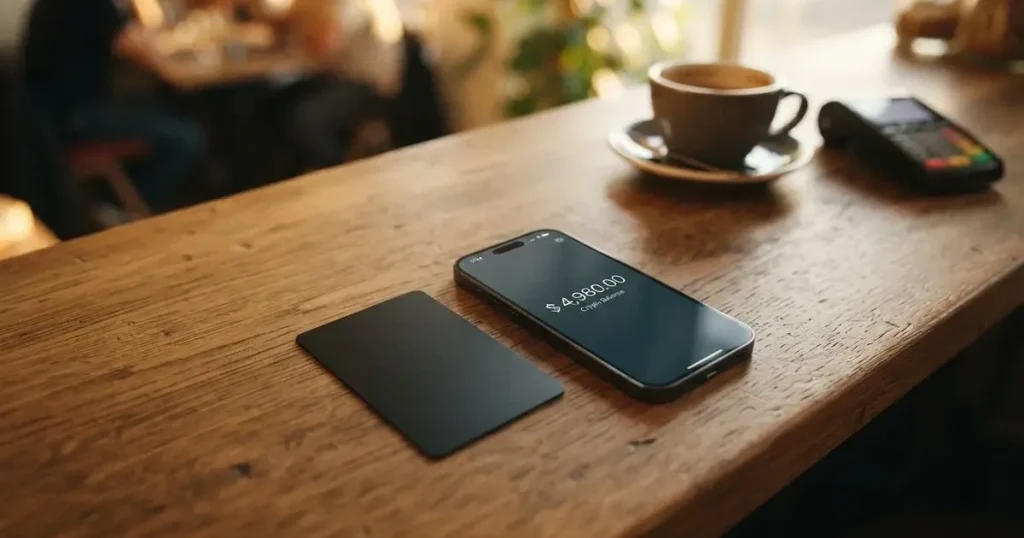
Zambulay is not trying to be your everyday bank card. It is a pair of virtual cards that you fill with USDT and spend online, and the one it advertises hardest is built for advertising platforms — Google and Meta ad accounts. That narrow purpose explains both what it does well and what it leaves out: the fees you can find, and the ones you cannot. If you are paying for ads and subscriptions out of a crypto balance, this is a card built for you. If you need a card for a shop, a subscription stack or everyday spending, it is thin.
The conditions described below are current as of October 28, 2026.
Verdict: 6.2 out of 10
The score is not a hedge. Zambulay does one job clearly and does not pretend to be more, which is why it lands above cards that market themselves broadly and disclose little. It lands below them because the numbers you need most — what a payment really costs after conversion, what the monthly fee is, who issues the card — are not on the public pages.
| Criterion | Mark | Why |
|---|---|---|
| Who can get it | 9 / 10 | Black: “No country or spend limits”; Platinum: “Works worldwide”; no country list at all |
| Cost | 7 / 10 | Issuance from $3, 0% account top-up, card top-up from 1.5%; a Trustpilot reviewer complains the fee is several times competitors’; conversion not disclosed |
| Top-up options | 4 / 10 | USDT (TRC-20) only, instant |
| Reliability and complaints | 4 / 10 | 3-102-944750 SRL (Costa Rica), issuer not named; Trustpilot 4.1 out of 5, complaints about fees and a first card that did not work |
| Everyday use | 5 / 10 | Virtual only: Black for ad accounts, Platinum with Apple Pay; Google Pay not mentioned, no plastic, no ATM |
| Total | 6.2 / 10 |
Who it suits: someone whose money is already in USDT, whose main expense is advertising or subscriptions on Google and Meta, and who wants to avoid a country’s banking barriers. What you get is a working spend balance without a bank account.
Who it does not suit: anyone who needs a physical card, cash withdrawal, Google Pay, a known network, or a clear answer to what a foreign-currency payment costs after conversion. If you are comparing cards for general daily spending, this is not that card.
Will they give you the card
The short answer is that the card’s own pages do not list countries, and do not describe an eligibility test you could fail.
- The Black card is described as having “No country or spend limits”.
- The Platinum card is described as “Works worldwide”.
- There is no country list, no excluded-country list, and no citizenship or residence rule stated on the pages I read.
- The company behind it is 3-102-944750 SRL, registered in Costa Rica, with a stated address in Garabito, Jaco, and a named ultimate beneficial owner, Stanislav Mickevic.
- The site says outright that it is “not a bank, credit institution, financial intermediary or financial advisor” and that the offers are “provided by third-party companies”.
That last point matters more than it first appears. Zambulay is a front end: the site itself tells you that third parties supply the offering, and it does not name the card issuer. So “no country limits” is a claim about where the card works, not a promise that any particular person in any particular country will be approved. The reader in general should read it that way.
One more thing to weigh: the usual rules for prepaid and debit cards still apply at the top. Prepaid and debit cards are generally available to adults (18+), and some issuers set higher limits.
How to get it
Getting started is short, and that is partly the point — and partly the caveat.
- There is a contact-details form and a web workspace at client.zambulay.com. No standalone app is mentioned.
- KYC is not mentioned, and no identity-document tiers are described. The card’s public pages simply do not say. Treat that as “not stated”, not as “verified in your favour”.
- One Trustpilot reviewer (unofficial, third-party site, 2026) praises quick sign-up and no complicated verification. That is a user’s impression, not a policy the card has published, and I cannot confirm it against an official page.
- The cards are virtual only — there is no plastic version to wait for, which also means no delivery step and nothing to post.
So the process is: form, workspace, virtual card, top up, spend. What is missing from that list is exactly the part that would tell you who is standing behind the balance when you use it.
Fees: what it really costs
Here is every fee and limit the card actually publishes, and — just as important — every one it does not.

| Fee or limit | What Zambulay states |
|---|---|
| Issuance fee | “Issuance fee from $3” |
| Monthly fee | not stated |
| Account top-up fee | “0% fee for account top-up” |
| Card top-up fee | “from 1.5%” |
| Conversion fee | not stated |
| FX fee | not stated |
| ATM / cash withdrawal | not stated; there is no physical card |
| Daily limits | Black: “No country or spend limits”; no numeric limits given |
| Monthly limits | no numeric limits given |
| Card currency | not stated |
| Card network | not stated |
The first row is the one you will pay no matter what. Everything after it is a question mark that the card leaves open.
Let me take three ordinary payments and walk through what I can and cannot tell you.
Paying for an ad campaign in dollars. If your USDT is already on TRC-20 and you load it to the card, the published card top-up fee is “from 1.5%”. The word “from” is doing real work — it names a floor, not a rate. Beyond that floor, the conversion rate you get is not disclosed. If the card’s conversion carries any margin at all, a campaign spend quietly pays for it, and I would not be able to tell you from the public pages how much.
A subscription priced in euros. You are now spending one currency from a balance whose currency the card does not state, in a card network it does not name. If any conversion or FX fee applies, it applies here, and it is not stated. Add to that the general effect described in the background below: a card issued in one country can look foreign to a shop in another, and some merchants decline prepaid or foreign BINs precisely because the lookup reveals the card type and issuer country. This is the kind of payment where an unstated fee and a decline are both plausible.
Two small payments in a week. Neither is large. Together, at “from 1.5%”, the load fee starts to matter more than you would expect on small top-ups, which is exactly the pattern a reader who tops up often falls into. There is no stated minimum load and no stated network-fee payer, so I cannot tell you what the true floor on a small top-up is.
A caution on the one number I do have: a Trustpilot reviewer (unofficial, May 2026) reports a $100 payment costing about $20, describing the commission as “several times higher than that of competitors”. One report is not a rate card, and the card’s own pages do not confirm it. But it is the one data point that points at the same row the card itself leaves blank — what a payment actually costs. Ask about that before you commit, not after.
How to top it up
Topping up is the simplest thing about this card, and the narrowest.
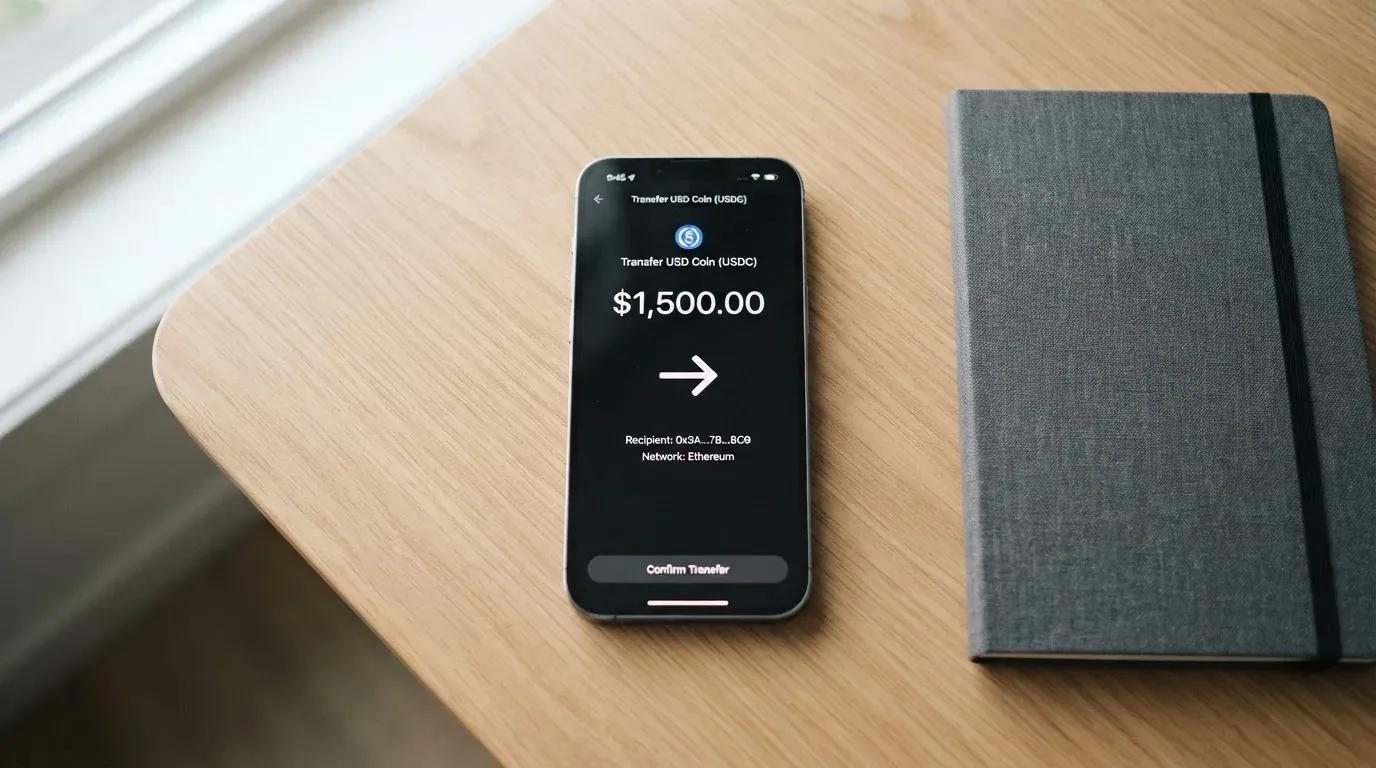
- “Top up via USDT (TRC-20)”, and it is instant.
- “0% fee for account top-up” and “from 1.5% on card loads”.
- No minimum is stated. Who pays the network fee is not stated.
- “Withdrawals within 30 minutes” is offered as a platform feature; fees for it are not stated.
One chain, one asset. That is the whole list. There is no card funding from a bank transfer, no second stablecoin, no other network mentioned anywhere on the pages.
Two general facts belong here, because this is exactly where they bite. First, on-chain network fees for your deposit are charged by the blockchain, not by the card provider — so a TRC-20 transfer has a cost that never appears on any fee table, however complete that table is. Second, blockchain transfers are irreversible: a deposit sent on a network the provider does not support, or to an address belonging to another network, can be lost or need manual support recovery with no guarantee. On a card that accepts one network, you have exactly one chance to get it right, and the card does not tell you what recovery would look like.
Paying with it every day
Everyday use is where this card runs out of road, and it is honest enough not to pretend otherwise.
- The Platinum card “Connects to iPhone and Apple Watch in seconds”.
- Google Pay is not mentioned.
- There is no physical card and no ATM — there is no cash option at all.
- The Black card is described as compatible with Google and Meta ad accounts.
- Blocked categories are not stated. Rewards are not stated. Dispute handling is not stated.
In practice that gives you two tools rather than one wallet. Black for advertising platforms; Platinum if you are on Apple hardware and want the card in Apple Pay. That is a coherent product for someone running ad spend from a crypto balance, and a thin one for anyone else.
On the Apple Pay side, the background below explains why it works the way it does: Apple Pay replaces the card number with a device-specific number stored in the Secure Element, never on Apple servers, and each payment carries a one-time dynamic security code. That is a genuine protection. It is also issuer-side permission: the issuer can restrict a tokenised number, for example block it on magnetic-stripe, phone or website use. If the issuer is not named, you cannot know what rules apply.
One more thing worth planning around: a declined authorisation may leave a hold on funds that can remain for several days, typically up to 7. On a card that spends a pre-loaded balance, a hold is money you cannot spend twice.
What can go wrong
No official incidents came up in what I checked. That is worth saying plainly, and it is not the same as there being no risk here — this is a young product with a thin public record.
The fees you cannot see. Not a failure event, but the one most likely to cost you money quietly. Conversion and FX are not stated; the published load fee is a floor. The complaint themes on Trustpilot point the same way.
A card that does not work. A Trustpilot reviewer (unofficial, May 2026, two stars) reports that the first card did not work and a second had to be bought. That connects directly to the issuance fee: from $3 is the price of entry, and it appears you may pay it more than once.
Slow support. The same review cycle notes support is sometimes slow. The card’s own commitments are live chat 10:00–19:00 (MSK), “handled within 1 minute”, Telegram, and [email protected]. Those are stated hours and a stated response target, which is more than most give you; they are not a commitment to a resolution.
Who is behind it. The card issuer is not named. The site says it is not a bank, credit institution, financial intermediary or financial advisor, and that offers come from third-party companies. That is a clear disclosure, and it is also a clear statement that you are dealing with a front end and a set of unnamed providers.
Reviews are thin and inconsistent. Trustpilot shows 4.1 out of 5 from 10 reviews, though the display of 5/43 reviews differs between sources — so treat any precise count with suspicion. Themes: high fees, a non-working first card, slow support.
Structural risk you cannot diversify away. Because the funds sit with a provider, you carry counterparty and hack risk — custodial platforms have a documented history of it, from Mt. Gox (about US$350 million reported stolen 2011-2014) to Coincheck (about US$400 million, 2018) to Ronin Network (US$625 million, 2022). And card programmes themselves can close: Visa terminated its global agreements with FTX on 13 November 2022 and the FTX US debit card was wound down by its issuer; WaveCrest, a Visa issuer that supplied crypto card brands, was suspended by Visa in Europe in 2018, closing all WaveCrest-issued Visa programmes. A closure typically means a notice period, then spending and loading stop, then you are asked to withdraw what is left.
What nobody has told you. Security features are not stated, news is not stated, and there is no dispute process described. When a payment goes wrong and there is no stated chargeback route, you are negotiating rather than claiming.
What to take instead
If the Zambulay shape does not fit, these are the three I would look at instead, and why.
| CardFlow | HyperCard | Card.fi | |
|---|---|---|---|
| My score | 4.9 / 10 | 4.7 / 10 | 6.6 / 10 |
| Who it is for | Aimed at Nigeria (“Nigeria’s smartest fintech card platform”) and “Nigerians and global users”; no country list or exclusions stated | Official pages state no country list; the App Store says it works in “more than 176 countries” — acceptance, not eligibility | Ships to “200+ countries”; terms bar residents of, or orders from, “a country subject to sanctions that would prohibit the service” |
| Card | Virtual USD Mastercard, created in about 3 minutes | Prepaid “HyperCard”; network not stated on the App Store page; balance in USD or EUR | Virtual and physical Classic, Premium, and metal; every physical order includes a virtual card; issued “under licence from the relevant card schemes” |
| Issuance cost | “Creating a virtual card is completely free”; monthly fee not stated | Not stated; the App Store page lists no fees | One-time Virtual Classic $49, Virtual Premium $249; physical and metal prices not listed; no monthly, annual, inactivity or minimum-balance fee |
| Fees | Not stated | Not stated on the pages I could read | Top-up Classic 1.5% + $1.00, Premium 1%; FX Classic 3.5%, Premium 2.5%; conversion fee shown before each top-up |
| Funding | Bitcoin, USDT, ETH or Naira bank transfer; networks not stated | Deposit crypto such as USDT, BTC, ETH in the app, converted to USD or EUR; networks not stated | 32 coins across 5 networks (Ethereum, Base, BNB Chain, Solana, Kaanch); deposit address per card; converted at market rate on arrival |
| Rewards | Not stated | Not stated | Cashback on card spend only: Classic 0.8% (cap 10 USDT/month), Premium 1%, Metal 1.2% or 2% with stated caps; a 10% headline at coffee shops capped at 10 USDT/month |
The trade-offs are straightforward. CardFlow is free to create and explicit about its market, but publishes nothing about fees and asks you to wait a few minutes. HyperCard publishes nothing on cost at all and never names its network. Card.fi is the most expensive to enter and by far the most transparent: real tiers, real prices, and a conversion fee shown before each top-up. If you are choosing on disclosure rather than on headline price, Card.fi is the card that lets you do the arithmetic before you commit.
Who I would recommend it to
I would recommend Zambulay to one specific person: someone already holding USDT on TRC-20, whose main online spend is Google or Meta advertising or a stack of subscriptions, who does not need cash, a physical card, Google Pay, or a card they can name the issuer of — and who is willing to ask, in writing, what a payment costs after conversion before they move real money.
For everyone else I would point at Card.fi first, on the simple grounds that it is the only one of the four that shows you its numbers.
Three things I would check before signing up anything, in this order:
- Ask what a payment actually costs. The load fee is “from 1.5%”; conversion and FX are not stated. Get the conversion rate in writing, or work out what you are actually paying per $100 of spend.
- Ask who issues the card. The site says offers come from third-party companies and does not name the issuer. You should know whose licence your balance sits under.
- Ask what happens when it goes wrong. No dispute process is stated. Ask how a failed payment is handled and how long a hold stays.
A last piece of background worth carrying with you, because it applies whatever card you choose. Card payments involve several parties: the network routes messages and sets rules, the issuer holds the programme under the network’s licence, and the crypto brand is often only a programme manager in front. Visa and Mastercard do not issue crypto cards to consumers themselves — they license issuers and can suspend a programme. And a card is regulated separately from the crypto side: under MiCA (Regulation (EU) 2023/1114, in legal effect since June 2023, with the remaining provisions including CASP rules applying from 30 December 2024), the crypto side is covered, while the card is a payment service under e-money and payment-services law, so a crypto card often depends on two licences. MiCA’s transitional period lets existing providers continue only until 1 July 2026 or until a MiCA authorisation is received or refused, whichever comes first; ESMA keeps an interim register of authorised CASPs that you can check a provider against.
Frequently asked questions
What is Zambulay card?
Zambulay is a virtual card service funded with USDT rather than a bank account. It offers two virtual cards: Black, described as compatible with Google and Meta ad accounts, and Platinum, which connects to iPhone and Apple Watch. The Black card is described as having no country or spend limits and the Platinum as working worldwide. No physical card is offered.
How does Zambulay card work?
You top up with USDT on TRC-20, instantly and at a stated 0% fee for account top-up, then load the card at “from 1.5%”. The card spends that pre-loaded balance, so it cannot overdraw. Everything happens in a web workspace at client.zambulay.com; no standalone app is mentioned. Conversion and foreign-exchange fees are not stated on the card’s public pages.
Is Zambulay a bank, and who owns it?
No. The site states that it is “not a bank, credit institution, financial intermediary or financial advisor” and that offers are “provided by third-party companies”. The company is 3-102-944750 SRL, registered in Costa Rica, with an address in Garabito, Jaco, and a stated ultimate beneficial owner, Stanislav Mickevic. The card issuer itself is not named.
Does Zambulay card require KYC?
KYC is not mentioned on the card’s public pages, which describe only a contact-details form, and no identity-document tiers are stated. A Trustpilot reviewer (unofficial, 2026) praises quick sign-up with no complicated verification, but that is one user’s account and is not confirmed by the card. Whether verification happens at some later stage is something you would need to ask about yourself.
What does it cost to get and use the card?
Issuance is “from $3” and no monthly fee is stated. Account top-up is 0%, card top-up “from 1.5%”. Conversion and foreign-exchange fees are not stated, and neither is ATM use — there is no physical card. A Trustpilot reviewer (unofficial, May 2026) reports a $100 payment costing about $20, several times competitors’ fees, which the card does not confirm.
How do I top up the Zambulay card?
You send USDT on the TRC-20 network, and it arrives instantly. Fees are 0% for an account top-up and “from 1.5%” on card loads. No minimum is stated and it is not stated who pays the blockchain network fee. Withdrawals are offered “within 30 minutes”, with fees not stated. Sending on any other network risks losing the funds, since blockchain transfers are irreversible.
Where can I use the card, and can I use it in my country?
The card is virtual and described as working worldwide, with no country or spend limits stated for the Black card and no country list at all. That is a statement about where the card can be spent, not about who will be approved. Note that some merchants decline prepaid or foreign-issued cards because the BIN lookup reveals the card type and issuer country, so a decline is possible even where the card technically works.
Can I add the card to Apple Wallet, and is Google Pay supported?
The Platinum card is described as connecting to iPhone and Apple Watch in seconds, so Apple Pay is the supported mobile wallet. Google Pay is not mentioned, so treat it as unsupported rather than merely undocumented. Apple Pay protects you by storing a device-specific number in the Secure Element with a one-time code per payment, but your issuer can still restrict how a tokenised card is used.
Is Zambulay card safe, and what about my money?
No official incidents came up in what I checked, but there is little public record to judge. The site says offers are provided by third-party companies and the issuer is unnamed, so the balance sits with providers you cannot name. Card programmes can close — Visa ended its agreements with FTX in November 2022, and WaveCrest’s Visa programmes closed in 2018 — so keep only what you can afford to have tied up while you test this.
Is Zambulay worth it?
For paying Google and Meta ad spend from a USDT balance, plausibly yes — it is aimed at exactly that, instant, from $3, with no country limits claimed. For everyday spending, no: there is no physical card, no cash, no Google Pay, no named network, and no disclosed conversion fee. If disclosure matters more than a low entry price, Card.fi publishes real tiers and real fee percentages, at a higher one-time cost.
Top virtual cards by score – cryptocardtop
Content created by the «cryptocardtop» team