
UnCard card review: a quick virtual Visa or Mastercard, with strings attached
 Available in US
UnCard is a fintech that issues virtual payment cards funded by cryptocurrency. The pitch is simple: you sign up with an email, send Bitcoin, Ethereum, Tether, or Monero, and the platform gives you an Online Card or a Wallet Card you can spend anywhere Visa or Mastercard is accepted. There is no bank account in the loop, no plastic card, and no app. For someone who has trouble getting an ordinary bank card, that mix is the whole reason to look at it, and it is also where the trouble starts. The company is not a bank, not an electronic money institution, and not the card issuer; it describes itself as a platform that sits in front of an unnamed “licensed financial institution.”
I went through the UnCard site, its terms, its developer docs, the one Trustpilot review, and a handful of third-party write-ups, and I want to walk you through what I found. Conditions are current as of October 28, 2026.
Verdict
UnCard scores 6.0 out of 10 in my review. The card is cheap to create, the signup is short, and a Wallet Card drops into Apple Pay or Google Pay in minutes. The cost is reasonable on the fees that are disclosed, the top-up menu covers the coins most people hold, and the daily use case is straightforward for online spending. The flip side is that the company is not a bank, the issuer is unnamed, there is no public country list, there is essentially no public complaints history, and the published fee structure is thin enough that you end up trusting the platform to show you a number at checkout.
I think this is a reasonable product for a specific reader: someone who already holds crypto, cannot easily open a bank account, and only needs a virtual card for online payments or for adding a tokenised number to a mobile wallet. I would not recommend it as a primary spending tool, and I would not use it for large balances or for anything that depends on a robust chargeback process.
| Criterion | Mark | Why |
|---|---|---|
| Who can get it | 7 / 10 | No country list published, but the terms exclude residents of places where the service is prohibited by law and anyone under OFAC, UN, or EU sanctions. |
| Cost | 7 / 10 | One-time application fee depends on the plan (a docs example shows $1); no monthly fee; the recharge fee is shown before confirmation but the amount is not stated. Unofficial write-ups list issuance, monthly, FX, and top-up as “Free,” yet the same sources call the fee structure opaque. |
| Top-up options | 6 / 10 | BTC, ETH, USDT, and XMR named on the site (“6+ cryptocurrencies accepted”), converted to a USD balance; the networks are not stated; minimum top-up 20 USD per the terms. |
| Reliability and complaints | 4 / 10 | UnCard is not a bank and not the issuer; the issuer is described only as a “licensed financial institution”; Trustpilot shows a single 5-star review; unofficial reports say DigitalOcean and Azure sometimes reject the cards. |
| Everyday use | 5 / 10 | Both products are virtual; Wallet Card works with Apple Pay and Google Pay; no plastic card, no ATM access. |
| Total | 6.0 / 10 |
Who will they give you the card
UnCard does not publish a country list. The terms say you must not reside in a place where the service is “prohibited by law,” and you must not be subject to OFAC, UN, or EU sanctions. That is a thin statement on paper, and in practice it means the eligibility check is mostly about your residence and your sanctions status rather than a list of accepted and excluded countries. If you are an American, a Brit, a Nigerian, an Indian, or a Brazilian resident, the sign-up form will not stop you at the country field, but the back-end rules can still kick in later. Age and document requirements are not stated on the public pages.
What is clear is that UnCard positions itself for people who do not want a bank account. The home page says signup needs only an email and that “we don’t need any bank account details.” That is the hook for the reader who has been refused by a traditional issuer, who is unbanked by circumstance, or who simply prefers to keep a card balance separate from a personal bank account. It is also a hook that comes with a hard limit on consumer protections, which I will get to in the risks section.
How to get it
The sign-up flow is short. You open the site, enter an email, and pick a plan. Some plans need no identity verification, others require full KYC before the card is issued or activated, and the platform can close cards if it suspects fraud. The exact processing time and the rejection reasons are not stated, so you do not get a published service-level promise.
Once you are in, the platform gives you one of two products, both virtual:
- Online Card. A virtual card with 3-D Secure for online payments.
- Wallet Card. A virtual card designed to be added to Apple Pay or Google Pay, so the actual card number never sits on a website.
The site says cards are “accepted wherever Visa is supported,” and the terms mention issuance under Visa or Mastercard rules, so the network is one of the two but you may not know which until the card is in your hand. All amounts are denominated in USD. There is no physical card on offer, and the public pages do not describe delivery, because there is nothing to deliver: the card details are issued inside the platform.
I will be blunt: the absence of an app is a real feature, not a typo. UnCard is a web platform with API documentation, so everything happens in the browser. For someone who wants to add a card to a phone wallet that is fine; for someone who expects to freeze a card with a tap on a phone, there is no native app for that.
Fees: what it really costs
The published fee structure is light. The platform charges a one-time application fee that depends on the plan; a docs example gives creation_fee of 1 USD, and the operator has signalled that the fee can be higher on other plans. There is no monthly fee. A recharge fee applies when you top up the card, and the amount is shown to you before you confirm the transaction, so you do not get surprised, but the public pages do not list a numeric value. A handling fee is mentioned for “excessive” declines, reversals, or disputes. ATM fees are not stated, and there is no plastic card, so for most readers the ATM question is moot anyway. Daily and monthly limits are set per plan and can be changed by UnCard; a docs example shows a topup_limit of 10,000 USD, but the actual numbers depend on the plan you pick.
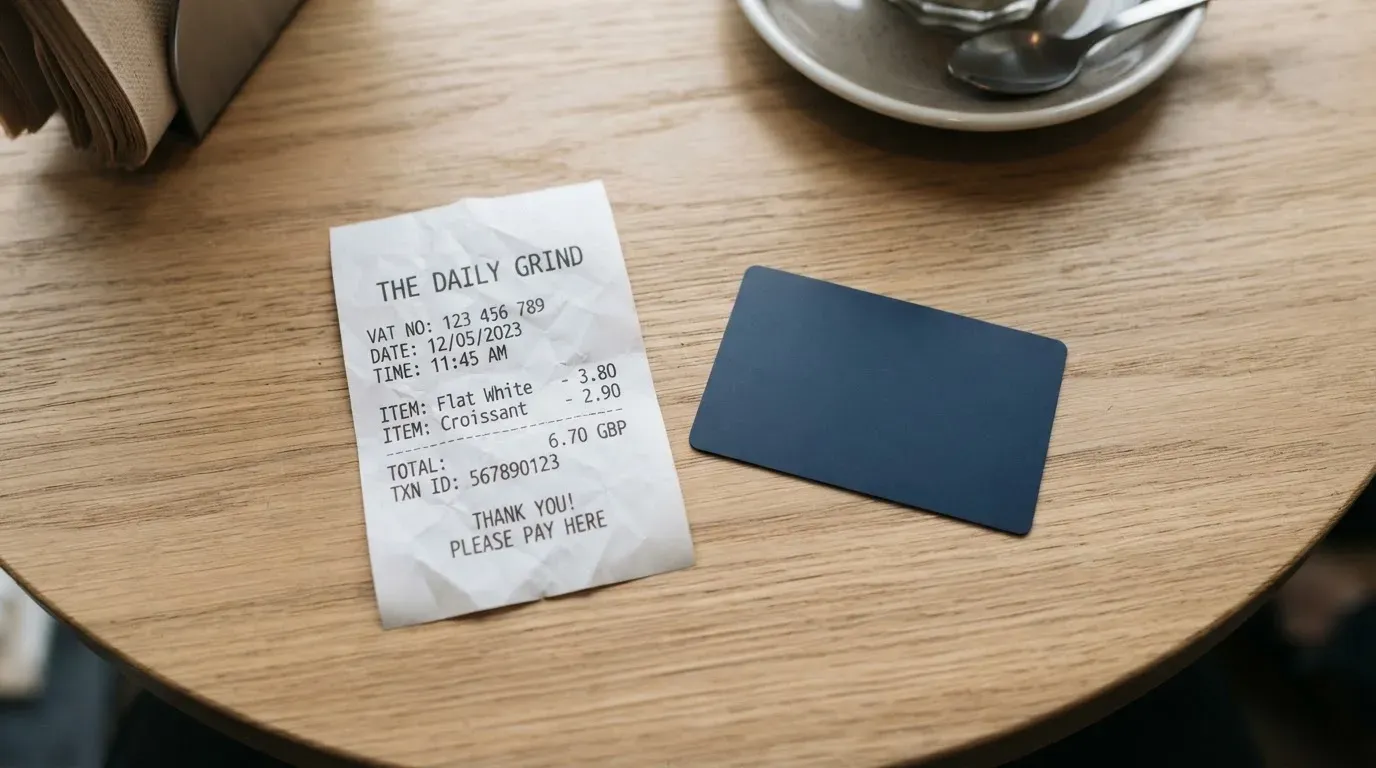
An unofficial third-party write-up (cryptocards.so, 2026) lists the monthly, issuance, FX, top-up, and decline fees as “Free,” but the same page calls the fee structure opaque. I would not treat that as a free lunch; the platform’s own terms reserve a recharge fee, and you should expect to see one before you confirm a top-up.
The other piece is currency. The card balance is in USD. If you spend in euros, pounds, or another currency, the conversion fee is whatever the card network and the issuer pass through, and that figure is not published in advance. For someone who mostly shops in USD online, the FX question is small. For someone who pays for subscriptions in euros or buys from a UK store, the FX markup can dominate the cost.
| Fee or limit | Value |
|---|---|
| Issuance (one-time) | Plan-dependent; docs example $1 |
| Monthly fee | None stated |
| Recharge / top-up fee | Shown before confirmation, amount not stated |
| FX / conversion | Not stated; balance is USD |
| ATM | Not stated (no plastic card) |
| Daily limit | Per plan, not stated publicly |
| Monthly limit | Per plan, not stated publicly; docs example top-up limit $10,000 |
| Decline / handling fee | Possible for excessive declines, reversals, disputes |
To make this concrete, here is what three everyday payments look like.
- A 20 USD subscription billed in USD from a US merchant. You top up the card from your crypto, pay a recharge fee that is shown to you at the top-up screen, the platform converts your crypto to USD at the current rate, and the merchant sees a USD transaction. The only fee in your face is the recharge fee.
- A €40 one-off purchase from a European merchant. The card balance is in USD, so the issuer or network converts USD to EUR and applies a markup. The markup is not published; the only official line is that the platform is not the issuer, so the markup is the issuer’s.
- A $20 in-app purchase on a phone, paid through Apple Pay. The Wallet Card is tokenised, the network routes the payment, and the same USD-to-local-currency conversion applies if the merchant is not USD-based. There is no extra fee from UnCard for the tokenisation itself.
Top up: how to fund the card
UnCard names four coins on its own pages: Bitcoin, Ethereum, Tether, and Monero, under a banner that says “6+ cryptocurrencies accepted.” I take that to mean the four are the headline names and the rest of the menu is in the platform itself. An unofficial write-up adds SOL to the list; I would not rely on that until I saw the coin in the UnCard deposit screen. The platform converts whatever you send into a USD balance on the card, and the card spends only that balance.
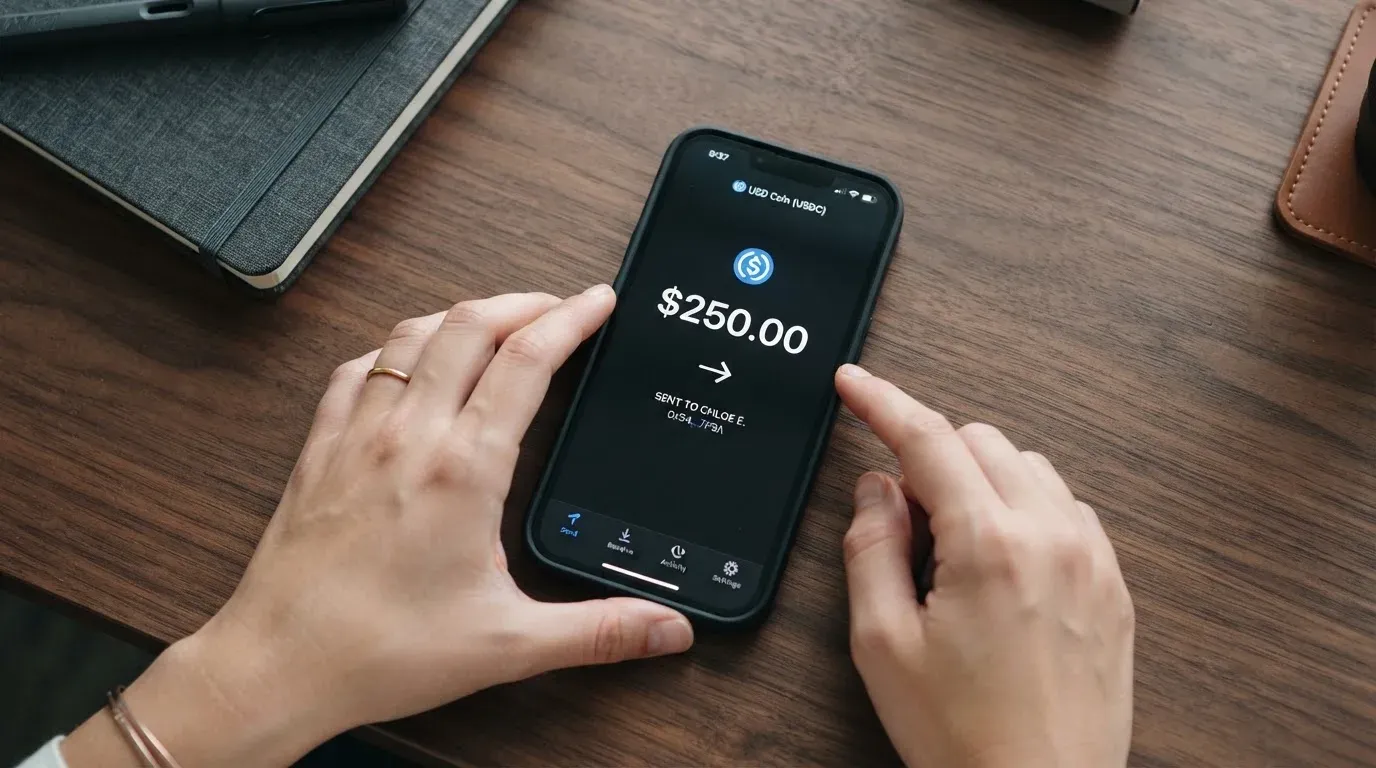
Networks are not stated on the public pages, and that is the part of the top-up flow I would not wave away. A USDC or USDT deposit can travel on Ethereum, Tron, Solana, Arbitrum, Base, and others, and a deposit sent on the wrong chain can be lost or stranded in support. The terms also say crypto deposits are “final and non-refundable,” so if you send to a network the platform does not support, the money is gone unless support manually recovers it, and there is no published guarantee that they will.
The numbers that are stated: the minimum top-up is 20 USD per the terms, although a docs example shows a minimum_topup of 5 USD, and the example figure should be read as the lower bound the platform can configure, not a promise. If you cancel, a balance of 10 USD or more is returned to the platform wallet; below 10 USD it is not. Redemptions have a 10 USD minimum and there must be at least 48 hours between redemptions.
A practical note for someone who holds stablecoins: Tether describes USDT as a multi-chain token, and the platform’s terms reserve the right to set the network, so always send a small test first if the network is not visible on the deposit screen. Network fees for the deposit are charged by the blockchain, not by UnCard.
Paying with it every day
The day-to-day is the easy part. You take the virtual card details and use them online, or you add the Wallet Card to Apple Pay or Google Pay and tap to pay in a store that takes contactless. Both products are virtual; neither is a piece of plastic.
Apple Pay and Google Pay work by replacing the card number with a device-specific number that lives in the phone’s Secure Element, and each payment uses a one-time dynamic code. The issuer can restrict where the tokenised number is allowed to work, and the public pages do not list the blocked merchant categories. That is a normal gap for a card programme, and the practical effect is that some categories will simply decline at the till, with no published reason.
There is no app, no cashback stated, and no rewards programme that I could find. Spending limits are per card and per account, and 3-D Secure is in place for online payments, which can mean an extra confirmation step at checkout. Disputes are governed by binding arbitration or the courts of Hong Kong per the terms, refunds are at the platform’s “sole discretion” in exceptional cases, and an unofficial write-up says the operator refunds declined authorisations within five to seven days. A declined authorisation can leave a hold on the funds for five to seven days even when no money actually moves, which is a property of card networks in general, not of UnCard specifically.
What can go wrong
The honest version of this section is that the public complaints history is almost empty, and that itself is a signal. Trustpilot shows a single 5-star review dated 19 May 2026, in which the reviewer mentions fast issuance and BTC, XMR, and USDT top-ups. Trustpilot notes the company has not invited reviews. There is no recurring complaint theme because there is not yet a base of complainers.
Two unofficial reports do appear in the wider web. An aggregator write-up on Bitcointalk says the operator has offered free cards in exchange for Trustpilot reviews; the post is undated. Forum users have reported that DigitalOcean and Azure reject UnCard cards at checkout; those reports are also undated. I could not find any official incident, regulator action, or programme suspension.
The structural risks are more important than the public complaints, because the public complaints are too thin to lean on.
- UnCard is not a bank, not an electronic money institution, and not the card issuer. The company is a fintech platform or programme manager that sits in front of an unnamed “licensed financial institution or electronic money institution.” That means a lot of the consumer protections that come with a bank card do not apply by default. In the EU, an EMI must safeguard customer funds by segregating them in dedicated accounts or insuring them, and those funds are not the same as bank deposits and may not be covered by a deposit guarantee scheme. The UnCard terms say the platform does not hold client funds in its own accounts, which is the right direction, but the issuer’s safeguarding arrangements are not published.
- The card network, not UnCard, sets most of the operating rules. Visa and Mastercard do not issue crypto cards to consumers; they license issuers and can suspend a programme. The Visa-FTX termination in November 2022 and the 2018 WaveCrest suspension in Europe are the well-known cases. If the unnamed issuer loses its licence or has its programme closed, the cards stop working, and the published pattern is that new loads end first, spending stops next, and users are asked to withdraw remaining balances within a window. One 2026 closure reported by a secondary source gave the windows as new loads ended 8 July 2026 and spending stopped 8 August 2026, but that is a single unconfirmed source and should not be treated as a date for any specific product.
- Crypto deposits are final. The terms call crypto deposits “final and non-refundable,” and a transfer to the wrong address or the wrong network is, on a public blockchain, irreversible. If you send to an unsupported network, the only path is support, and there is no published promise that the funds can be recovered.
- Sanctions and shutdowns. The terms exclude residents of places where the service is prohibited by law and people under OFAC, UN, or EU sanctions. Tether has publicly disabled tokens in wallets on the OFAC sanctions list and frozen funds tied to illicit activity, which is a reminder that stablecoins are not censorship-proof.
- Tax. The IRS treats digital assets as property, so each card payment funded from crypto can be a separate disposal, with a gain or loss measured in your local fiat at fair market value on the date of the transaction. I am not giving tax advice, but if you fund the card from crypto that has moved in price, the disposal is real and recordable.
- Operational security. The platform describes 3-D Secure, per-card and per-account spending limits, and the fact that it does not hold client funds in its own accounts. Two-factor authentication is not stated on the public pages, which is a small but real gap for a product that lives in the browser.
What to take instead
If you want a virtual card for online payments and the country and KYC rules fit, there are a few alternatives on the market, and three of them give a useful sense of what else is out there. The numbers below are the alternatives’ own published marks, taken from their respective reviews; treat them as starting points rather than rankings.
| Alternative | Network | Type | Cost | Funding | Score |
|---|---|---|---|---|---|
| CardFlow | Mastercard | Virtual USD card created in 3 minutes | Creation free; monthly fee not stated | BTC, USDT, ETH, or Naira bank transfer | 4.9 / 10 |
| HyperCard | Not stated on its App Store page | Prepaid card, USD or EUR balance | App Store page lists no fees | Crypto (USDT, BTC, ETH), converted to USD or EUR | 4.7 / 10 |
| Card.fi | “Under licence from the relevant card schemes” (Visa/Mastercard not named) | Virtual Classic and Premium; physical Classic and Premium; metal | Virtual Classic $49, Virtual Premium $249, no monthly or inactivity fee; top-up 1.5% + $1 (Classic) or 1% (Premium); FX 3.5% (Classic) or 2.5% (Premium) | 32 coins across 5 networks (Ethereum, Base, BNB Chain, Solana, Kaanch) | 6.6 / 10 |
CardFlow is a Nigerian-built product that targets Nigerians and “global users,” with a free virtual Mastercard and bank-transfer funding in naira. It is a useful comparison if you are in Nigeria or want a card with a naira on-ramp, but the published mark is below UnCard’s.
HyperCard is a prepaid card with a USD or EUR balance, funded from crypto in the app. The App Store says the card works in “more than 176 countries,” which is an acceptance claim, not an eligibility claim; the official pages do not state which countries can sign up. The fees page on the App Store lists nothing, which is a transparency gap rather than a fee-free promise.
Card.fi is the most expensive to start (Virtual Classic $49, Virtual Premium $249) but the most transparent on the fee side, with explicit top-up and FX percentages, 32 coins on five networks, and a cashback programme. The Premium and Metal tiers pay cashback on spending, and Metal also pays “up to 18%” on balances, variable. If you are choosing on fee clarity, Card.fi is the cleanest of the three; if you are choosing on entry price, UnCard is.
There is a wider category to keep in mind. Crypto cards come in two rough shapes. In the pre-loaded balance model, you convert or top up a fiat or stablecoin balance and the card spends only that balance, so the card cannot overdraw. In the self-custody-linked model, the funds stay in your own wallet until the moment of payment, and you bear sole responsibility for key loss, phishing, and clipboard-hijacking malware that swaps copied addresses. UnCard is firmly in the pre-loaded balance camp, and that simplifies the day-to-day at the cost of giving the platform custody of the balance between top-up and spend.
A few other category-level points worth keeping in mind as you compare.
- The card network sets the rules. Visa and Mastercard do not issue crypto cards to consumers; they license issuers, and a programme can be suspended. The 2018 WaveCrest suspension in Europe and the November 2022 FTX termination are the textbook cases.
- MiCA, the EU’s markets-in-crypto-assets regulation, took legal effect in June 2023; the rules on asset-referenced and e-money tokens applied from 30 June 2024, and the remaining provisions, including CASP rules, applied from 30 December 2024. A MiCA-authorised CASP in one member state can serve the EU. Cards are a separate payment-service regime, so a crypto card often depends on two licences.
- USDC and USDT are the dominant dollar stablecoins; the BIS (July 2025) put about 90% of stablecoin market capitalisation in these two. Circle says USDC is redeemable 1:1 for USD and 100% backed by cash and cash equivalents, with monthly reserve attestations by a Big Four firm. Stablecoins can depeg: TerraUSD collapsed in May 2022, and USDC temporarily lost its peg in March 2023 during the US banking crisis.
- Merchants can see the issuer country through the BIN, and some merchants decline prepaid or foreign BINs as a matter of policy. AVS is mainly offered in the US, Canada, and the UK, and is generally unavailable for foreign-issued cards, which can cause declines.
Who I would recommend it to
UnCard is a reasonable pick for a narrow reader. If you already hold Bitcoin, Ethereum, Tether, or Monero, you cannot easily get a bank card, and you only need a virtual card for online payments or to add a tokenised number to Apple Pay or Google Pay, the product is fit for purpose. The signup is short, the entry price is low, and the Wallet Card-to-mobile-wallet path is the smoothest part of the experience. I would fund it with small amounts, top up from a stablecoin on a network the platform confirms, and treat the balance as a spending float rather than a savings account.
I would not recommend UnCard as a primary card. There is no app, no published fee table, no named issuer, no public complaints history to lean on, and the consumer protections you get from a bank or an EMI are not in the picture. For large balances, for subscriptions where a chargeback might matter, or for any spend that depends on a robust dispute process, the gap between UnCard and a regulated bank card is large. In that situation, Card.fi’s published fees and tier structure or a traditional issuer with a stablecoin on-ramp is a more honest answer.
Before you sign up, do three things. Read the terms and the docs example to see the actual fee and limit numbers for the plan you are picking. Send a small test top-up from the coin and network the deposit screen shows you, and only then send the real amount. And decide in advance what you will do if the card is declined, because the published answer to that question is essentially “ask support.”
Frequently asked questions
What is the UnCard card?
UnCard is a virtual payment card issued by a fintech platform and funded by cryptocurrency. The platform converts Bitcoin, Ethereum, Tether, or Monero into a USD balance on the card, and the card spends that balance online or through Apple Pay or Google Pay.
How does the UnCard card work?
You sign up with an email, pick a plan, and top up the card with crypto. The platform converts the crypto to USD at the current rate, applies a recharge fee that is shown to you before you confirm, and the card then behaves like a prepaid virtual card. The card network is either Visa or Mastercard; the terms do not name which one in advance.
Is UnCard a bank?
No. UnCard describes itself as a fintech platform or programme manager and says it is not a bank, not an electronic money institution, and not the card issuer. The actual card issuer is referred to only as a “licensed financial institution or electronic money institution,” and the company is not named in the public terms.
Who owns UnCard?
The public pages do not name the owners. The terms say the platform operates under U.S. law and that the terms are governed by Hong Kong law. If ownership is a deal-breaker for you, you would need to ask support directly.
Is the UnCard card available in my country?
The platform does not publish a country list. The terms say the service is not available to residents of places where it is “prohibited by law” and to anyone under OFAC, UN, or EU sanctions. The signup form will not stop you at the country field, but the back-end rules can still reject you later.
Does the UnCard card require KYC?
It depends on the plan. Some plans need no identity verification, others require full KYC before the card is issued or activated. The terms reserve the right to close cards if fraud is suspected, and the processing time and the rejection reasons are not stated.
How do I top up the UnCard card?
You send Bitcoin, Ethereum, Tether, or Monero to the deposit address the platform shows you, and the platform converts the crypto into a USD balance on the card. The minimum top-up is 20 USD per the terms. Networks are not stated on the public pages, and crypto deposits are “final and non-refundable,” so send a small test first.
How do I add the UnCard card to Apple Pay or Google Pay?
You pick the Wallet Card product, take the virtual card details, and add them to Apple Pay or Google Pay. The card number is replaced by a device-specific number that lives in the phone’s Secure Element, and each payment uses a one-time dynamic code.
Is the UnCard card safe?
Safer than holding crypto on an exchange in the sense that the platform says it does not hold client funds in its own accounts, and the card has 3-D Secure. Less safe than a regulated bank card in the sense that there is no published safeguarding scheme, no app-based 2FA mentioned, no named issuer, and the dispute process is binding arbitration or the courts of Hong Kong with refunds at the platform’s “sole discretion.”
Is the UnCard card worth it?
For a narrow reader who already holds crypto, cannot get a bank card, and only needs a virtual card for online payments or mobile-wallet tap-to-pay, the product is fit for purpose. For a primary card, for large balances, or for any spend where a chargeback might matter, the gap to a regulated bank card is large enough that I would look at Card.fi, a MiCA-authorised CASP in the EU, or a traditional issuer with a stablecoin on-ramp.
Top virtual cards by score – cryptocardtop
Content created by the «cryptocardtop» team