
Two cards, one missing fee sheet, and an exchange that does not say who issues them
 Available in US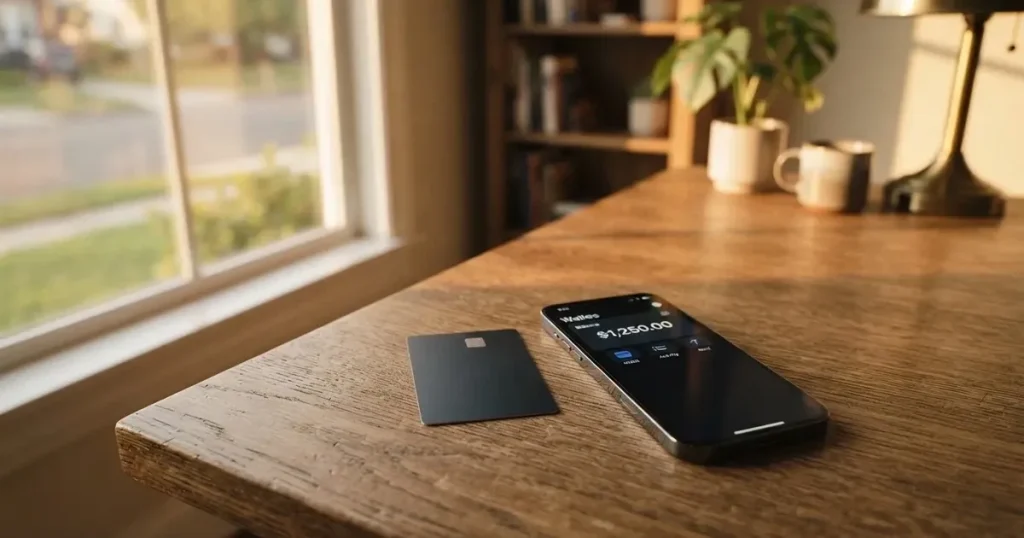
The CoinUp card comes from CoinUp Global Limited, a name that is recognisable mainly to people who already use the CoinUp crypto exchange. The card sits next to the exchange app rather than on its own platform, and that matters: when you read the marketing page, you are reading about a product, but the company behind it does not publish the kind of disclosure that banks and card issuers usually do. So the first question is not “is the card good?” but “do I trust the people who run it, and do I know enough about the costs before I load money onto it?”
That honest answer is what this review tries to give. I went through the public CoinUp pages, the App Store listing for the app, and the user reports on Trustpilot. I also compared the card against three alternatives — Coinbase Card, OKX and Young Card — so you can see how it lines up. Where the company has not said something, I say so. Where the figures come from third-party user reports, I label them as such. Nothing here is promotional, and nothing here is a workaround for the rules the card itself enforces.
The conditions described below are current as of October 28, 2026.
Verdict
CoinUp’s card earns a 6.1 out of 10 in this review. That is not a flattering score, and it is not a damning one. It reflects a product that is wide in reach — CoinUp says it serves “170+ countries and regions” — but thin in disclosure. The everyday experience scores well: you can carry up to five virtual Mastercards and one physical Visa, you can add the virtual card to Apple Pay and Google Pay, and the physical card supports ATM withdrawals. The price story is partly good (no annual or inactivity fees on either card) and partly opaque (issuance, conversion, FX and ATM fees are not stated). The reliability score is the weak point, and it is weak because CoinUp Global Limited does not name the card’s issuer or its licences, while the Trustpilot reviews of the underlying exchange — only 12 of them, but two-thirds of them one star — describe frozen balances and blocked accounts.
Who the card suits, in plain terms: someone who already keeps funds on CoinUp and wants a quick way to spend crypto at a normal point of sale, without moving balances to a separate provider. If you mainly want low-fee spending in stablecoins, OKX or Coinbase Card will probably serve you better. If you want a card that behaves like a mainstream bank product — with a disclosed issuer, a published fee schedule and a clear complaints process — the CoinUp card is not there yet.
| Criterion | Mark | Why |
|---|---|---|
| Who can get it | 8 / 10 | “170+ countries and regions”, but availability is in the app |
| Cost | 6 / 10 | No annual or inactivity fees; issuance, conversion and FX not stated |
| Top-up options | 5 / 10 | Crypto from a CoinUp account; coins and networks not named |
| Reliability and complaints | 3 / 10 | CoinUp Global Limited; issuer not named; Trustpilot reports frozen funds and blocks |
| Everyday use | 8 / 10 | Up to 5 virtual Mastercards, 1 physical Visa, ATM on the physical, Apple/Google Pay on the virtual |
| Total | 6.1 / 10 | Wide and easy to spend from, but the missing fee sheet and the issuer question hold it back |
The audience this card makes most sense for, in my reading, is exchange users who want a card with crypto cashback and who are comfortable holding their spending balance inside the CoinUp app rather than in their own wallet.
Who can actually get the CoinUp card
The card is positioned as globally available — CoinUp says it serves “170+ countries and regions” — but the same page adds a smaller caveat: the card is “available in select regions. Check the app.” That means the headline number is the reach of the exchange, not a guarantee that you, in your country, can be issued a card today. The application step itself lives in the CoinUp app, and the app is the only place that confirms your region before you spend time on it.
There is no list of excluded countries on the public pages, no separate “supported countries” page, and no mention of US state-level carve-outs (Coinbase Card, for example, is unavailable in Hawaii). The card is offered in the same jurisdictions as the exchange, with one account and one KYC flow — you do not go through a separate onboarding for the card beyond what the exchange already asks of you. Practical implication: if you are already a verified CoinUp customer and your country is in the “select” group, you can apply; if you are not yet a customer, you first create an exchange account and complete the exchange’s KYC, and the card application comes after that.
What the public page does not say: the minimum age, whether a specific tier of KYC is required for a higher card limit, and whether non-residents (travellers, expats) are eligible. The general rule for prepaid and debit cards in the industry is 18+, but the CoinUp page does not repeat that, so I would not assume it without checking in the app.
How to sign up for the card
The path to a CoinUp card is built into the app, and it follows the same steps the card’s own page lists. First, you create a CoinUp account if you do not already have one. Second, you complete the exchange’s KYC — the company says this can be done “in just a few minutes” inside the app. Third, you apply for the card in the app. Fourth, you top up the card and start spending. There is no mention of a separate card-only KYC or a separate identity document, which is one fewer hurdle, but it also means the card’s limits inherit whatever the exchange’s verification tier allows.
The product itself comes in two pieces on the same account: a virtual card on Mastercard (up to 5 cards per account) and a physical card on Visa (1 card, marked “New” on the site). The virtual cards are activated in the app, which suggests the numbers are generated and ready almost immediately. The physical card is applied for in the app and “delivered to you” — countries, delivery time, and any shipping cost are not stated. The fact that the physical card needs delivery means the KYC for a physical card has to be at least as strict as the one for a virtual card; that much is implied, even if not spelled out.
Two practical notes before you start. First, the exchange-side identity check is the same identity check the card relies on, so make sure the documents the exchange accepts (national ID, passport, proof of address) are ready before you begin — this is standard for regulated financial services, not a workaround. Second, the KYC level required specifically for higher card limits is not stated. If you plan to load a meaningful balance, expect the exchange to ask for additional documents at some point; that is the pattern in the industry.
CoinUp card fees: what it really costs
The good news is small but real: both card products are advertised as having no annual fee and no inactivity fee, with no VIP requirement to keep them open. The virtual Mastercard carries those zeros; the physical Visa explicitly adds that there is “no VIP requirement, annual or inactivity fees” — CoinUp seems to have learned that customers react badly to dormant-account fees and has removed the easy-to-trip charges.

Everything else, the public page does not publish. Issuance fee for the physical card: not stated. Conversion fee when crypto is sold to fund a payment: not stated. Foreign exchange fee when the merchant settles in a currency other than the card’s base: not stated. ATM withdrawal fee on the physical card: not stated. ATM withdrawal limit: not stated. That is a real gap, and you should not treat the card as “free” until the fee schedule appears in the app or in a cardholder agreement.
The costs table below records only what CoinUp has published, plus the limits it has confirmed. It is deliberately short.
| Fee or limit | Virtual Mastercard | Physical Visa |
|---|---|---|
| Issuance fee | Not stated | Not stated |
| Monthly / annual fee | None | None |
| Inactivity fee | None | None |
| VIP requirement | None | None |
| Conversion fee | Not stated | Not stated |
| FX fee | Not stated | Not stated |
| ATM fee | Online only | Not stated |
| Daily spend limit | Not stated | Not stated |
| Monthly spend limit | Not stated | Up to USD 1,000,000 |
Now, three everyday payments, walked through. None of the three is hypothetical in form — they are the kind of situations any cardholder faces — but in each case I am honest about which fees CoinUp has confirmed and which I cannot confirm.
A coffee bought with the virtual Mastercard, in a country where the local currency matches the card’s base. The card pays the merchant; CoinUp sells crypto to fund the balance. Whether that conversion is fee-free, or whether a spread is taken, is not stated. If you can tolerate that uncertainty on a small purchase, the upside is convenience; if you cannot, hold off.
A flight bought online with the virtual card in a currency different from the card’s base. This is where FX fees usually hurt. CoinUp does not publish its FX margin, so the only way to know what the flight really cost is to compare the merchant’s billed amount with the crypto sold from your balance. Save the receipt and the app’s transaction screen side by side, every time, until the fee schedule is in writing.
A cash withdrawal from an ATM using the physical Visa. The transaction itself is supported on the physical card, and the monthly limit is generous (up to USD 1M, which is more than most people will ever need). The fee and the per-transaction cap are not stated, so I would test with the smallest amount the ATM allows the first time, and I would not travel with the physical card as my only cash source until I have seen the actual charge.
The bottom line: until CoinUp publishes a fee schedule, treat the card as if the only confirmed benefits are “no annual and no inactivity fee” and “no VIP tier required.” The other figures may turn out to be competitive, but you cannot check that from the public page.
Top up: how to fund the CoinUp card
The funding model is straightforward on the surface and uninformative underneath. You transfer crypto from your CoinUp account to the CoinUp Card, and the card is “ready to use instantly.” Each card is topped up separately, and there is no mention of a fiat on-ramp (bank transfer, debit card, Apple Pay load) on the card side itself — the funding entry point is the CoinUp exchange account, not a bank.
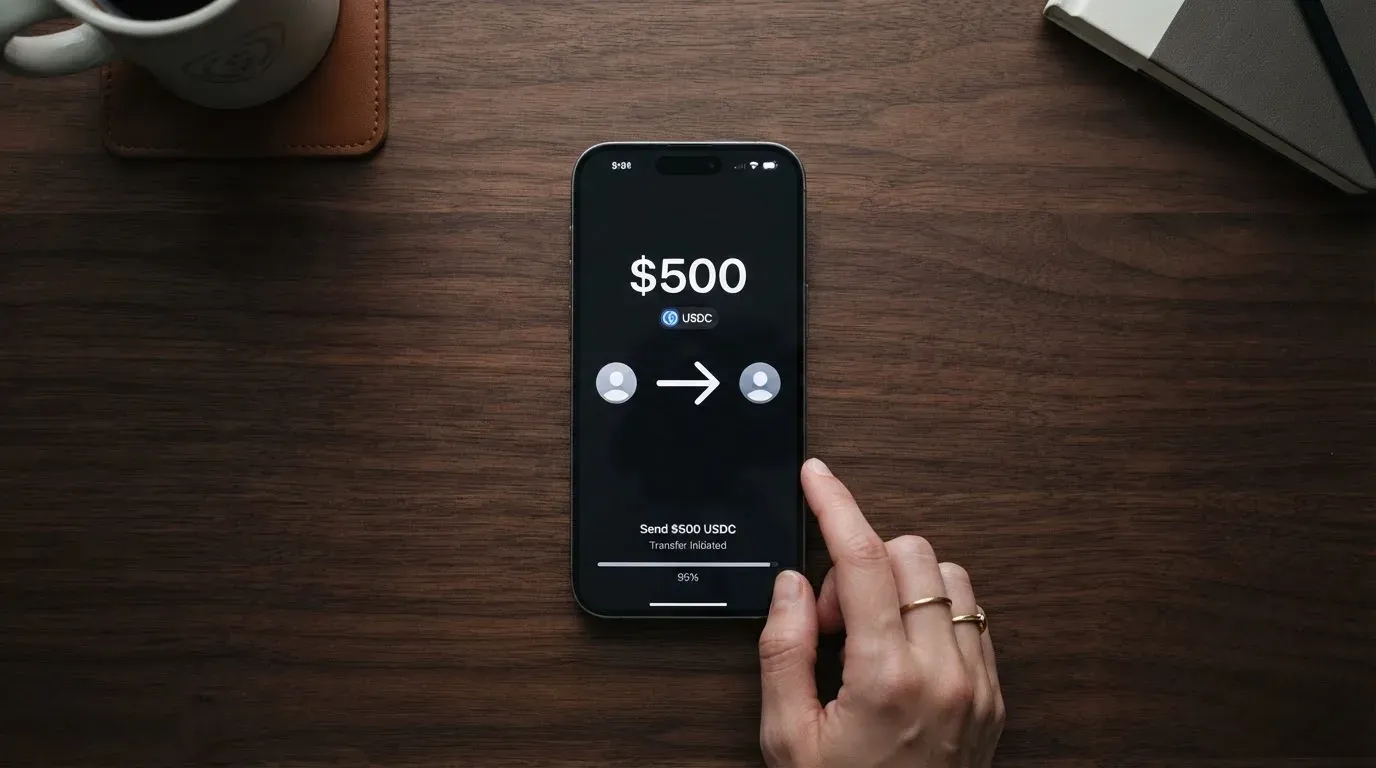
What is not stated on the public page: which coins you can use to top up, which networks are supported, what the minimum top-up is, and whether there is a top-up fee. In practice, those are the four questions that determine whether a top-up succeeds and how much it costs. The third-party CoinUp community (not the card’s own page) sometimes mentions USDT, but I would not treat that as a guarantee for the card, because the card’s own page does not name any coin.
A few practical steps that hold for any crypto card and that you should follow on CoinUp the first time:
- Pick the coin you want to use, and check in the app that it is an accepted funding asset for the card. The exchange’s “withdraw” page may not be the same as the card’s “top up” page, even if the underlying token is the same.
- Pick the network on the exchange’s withdraw screen with the same care you would pick a bank routing number. Stablecoins commonly move on Ethereum (ERC-20), Tron (TRC-20), Solana, Polygon, Avalanche and others; the address format is not the same across them, and a transfer on the wrong network is, in this category, usually lost.
- Send a small test transfer first. The cost of a mistake is irreversible, and the blockchain does not refund by accident. Circle stopped supporting USDC on Tron in February 2024, so “USDC over TRC20” is no longer a native option on most providers — the kind of detail that catches people out.
- Treat the on-chain network fee as separate from CoinUp’s own fee. The network fee is paid to the blockchain, not to the card, and on Ethereum it must be paid in ETH even if you are sending USDT. Make sure you hold a small amount of the native gas token in addition to the coin you want to send.
The card’s daily and monthly top-up limits are not stated on the public page, although the physical card’s overall monthly spend is up to USD 1M. Until the app shows you a top-up limit, do not assume a large transfer will succeed; it may be held by the exchange’s transaction monitoring or split across multiple steps.
Paying with the CoinUp card every day
The everyday picture is where the card is most useful. Up to five virtual Mastercards per account is generous — you can dedicate one to subscriptions, one to online shopping, one to travel, and keep two in reserve, which is the kind of compartmentalisation people usually set up with a second bank. The physical Visa, applied for in the app, is the one you carry in a wallet and use at shops and ATMs.
The virtual card is also the one that works in mobile wallets: Apple Pay and Google Pay are listed for the virtual card. A mobile-wallet transaction uses a device-specific token, not the card number itself, and the merchant never sees your real PAN. That is the safer way to pay with a card number that lives only in an app, especially in places where you do not control the terminal (cafés, airport kiosks, market stalls). Tokenised payments also tend to be approved more reliably online, because some merchants decline foreign or prepaid BINs outright, and a tokenised payment sometimes skips that check.
The physical card is the one with ATM access; the virtual card is “online only” by the company’s own description. The physical card also has PIN verification and real-time alerts, and the card settings — freeze, limits, online toggle — are managed in the CoinUp app. None of that is unique, but it is the set of features you want before you start relying on the card for day-to-day spending.
Two things CoinUp’s public pages do not address, which you should expect to come up:
- Cashback. The site mentions “crypto cashback on every purchase,” but the rate, the payout coin, and whether it differs by card type are not stated. Cashback in this category is often paid in the platform’s own token and at a rate that changes with promotions, so the headline is best read as “yes, you earn something back” rather than “you earn X%.”
- Disputes and chargebacks. CoinUp does not publish a dispute process for the card. Standard industry practice, when the card is regulated, is that chargebacks are handled by the issuer (the bank or e-money institution behind the card programme). Until CoinUp names the issuer, the practical question — “who do I contact if a charge is wrong?” — has no public answer. The safest assumption is that small, easily reversed purchases (a coffee, a metro ticket) carry almost no dispute risk, while a hotel booking or a large online order is something to handle with a backup card until you have a published complaints process in hand.
The app itself — “CoinUp.io-Buy Crypto,Eth,DOGE” on the App Store, 4.57 from 28 ratings, version 100037 dated 2026-07-04, read on 2026-10-22 — is the exchange app, not a card-specific app, and is the place where the card is managed. There is no separate CoinUp Card app listed.
What can go wrong with the CoinUp card
The honest answer has three layers, and the order matters.
The first layer is the missing disclosure. The card’s issuer is not named, the licences are not named, and the fees for issuance, conversion, FX and ATM are not stated. That is not a complaint; it is a fact. It means the card sits outside the normal “read the fee schedule before you sign up” flow that Visa or Mastercard debit cards from a regulated bank would offer. If something goes wrong, the path to a remedy is not laid out on the public page.
The second layer is the company. The card is issued under CoinUp Global Limited; the entity number on the site footer is COINUP LIMITED 20211565064. That is a registered company, but the page does not say which regulator supervises the card programme, which jurisdiction the issuer sits in, or which safeguarding regime applies to the funds loaded onto the card. In the EU, e-money institutions are required to safeguard customer funds; in other jurisdictions, the rule varies. Without an issuer, the safeguarding question is open.
The third layer is the user reports. The Trustpilot page for the CoinUp exchange (not the card specifically) holds 12 reviews, with an average of 2.7 out of 5 and 66% of them rated one star, read on 2026-10-21. The themes are repeated and they are serious:
- An unpaid refund after a listing deal and removal from the Telegram channel (September 2026).
- A broken signed agreement and missed launch dates (August 2026).
- USDT frozen for eight days, with what the reviewer describes as scripted support answers (July 2026).
- Accounts blocked after profitable trades (July–August 2025).
There are also positive reviews from February and March 2026 praising fast KYC and an easy interface. The sample is small — 12 reviews is not a population — but the direction of the negative reports (frozen balances, blocked accounts, slow support) is the same pattern that has hurt other crypto platforms in the past, including FTX (where Visa terminated its global agreements on 13 November 2022 and the issuer wound down the FTX US debit card). The risk to a cardholder in a programme that shuts down is real: typically spending stops first, then loading, then a notice period to withdraw the balance. The exact timeline for a CoinUp closure is not stated, and there is no published runbook.
The physical card has its own, smaller, safety features: real-time alerts, PIN verification, in-app card management. Those are good for someone who loses the card or suspects fraud, and they are the kind of thing a regulated issuer is expected to provide. They are not, however, a substitute for the question “what happens to my balance if the programme ends?”
What to take instead of the CoinUp card
Three alternatives, briefly, so the comparison is concrete. The first is the one most CoinUp users would consider; the other two are for different starting points.
Coinbase Card, scored 6.4 out of 10, is the closest comparison in reach, at least inside the United States. It is a Visa prepaid debit card, available as virtual or physical, that spends cash or crypto (all crypto is converted to US dollars at purchase). Coinbase Card does not charge spending or annual fees; the disclosed cost is the spread applied when Coinbase buys, sells or trades crypto at the point of payment, which is published in the Cardholder Agreement and User Agreement. Funding is by linked bank account or a paycheck deposit, and an optional crypto rewards programme lets the user pick a rotating coin, with the rate shown in the app. Availability is all US states except Hawaii, and the onboarding is the standard US PATRIOT Act flow (name, address, date of birth, ID). For a US reader who values a published fee schedule and a known issuer, this is the stronger card on disclosure; the trade-off is country coverage.
OKX, scored 6.2 out of 10, is the more interesting alternative if you spend mainly in euros. The card is a Mastercard, euro-denominated, virtual-only (no physical card mentioned in the press materials), linked to OKX Pay and issued by an unnamed European licensed payment provider. OKX Europe Ltd. is the MiCAR-licensed entity, and the card is available across the EU plus Norway, with Iceland and Liechtenstein excluded. The fee story is more transparent: no card fee, no transaction fee, no OKX FX fee, and a conversion spread of 0.1% (per the explainer from May 2026, which is newer than the 0.4% market-spread figure in the launch press release; I would quote the 0.1% figure as the latest, but the discrepancy itself is worth knowing). Funding is via USDC or USDG held in OKX Pay; other coins must be converted first; no auto top-up means a payment is declined if the balance is insufficient. Cashback is paid on USDG purchases only (USDC earns none), and the rates and monthly caps vary by tier — Regular 2% up to EUR 10; VIP1 4% up to EUR 300; VIP2 4.5% up to EUR 450; VIP3 5% up to EUR 1,000; VIP4+ 10% up to EUR 1,000. The 10% VIP4+ figure in the table sits oddly against the “2–5%” range in the body text, and that inconsistency is part of the reason the score is not higher.
Young Card, scored 5.7 out of 10, is the smaller of the three but the one with a published rewards ladder. Cashback is paid in YNG tokens, and the rate depends on the Club tier — Essential 0.1%, Gold 1.8%, Platinum 3.6% (Bronze and Silver are not stated). The card’s own fee schedule and country availability are not stated officially, which is why the score sits where it does. If you are already a YNG user, it is worth a look; if not, the missing disclosure is the same complaint as on CoinUp, but in a smaller package.
| Card | Score | Card form | Cashback | Fee disclosure | Country reach |
|---|---|---|---|---|---|
| CoinUp | 6.1 / 10 | Virtual Mastercard + physical Visa | Yes (rate not stated) | Partial | “170+ countries and regions”, in app |
| Coinbase Card | 6.4 / 10 | Virtual or physical Visa | Yes, rotating coin | Published in agreement | US only (excl. Hawaii) |
| OKX | 6.2 / 10 | Virtual Mastercard (euro) | USDG only, tiered | 0.1% spread published | EU + Norway, excl. Iceland and Liechtenstein |
| Young Card | 5.7 / 10 | Not stated officially | YNG tokens, 0.1–3.6% by tier | Not stated officially | Not stated |
The pattern across all four is the same: where the issuer and the fees are published, the card scores higher; where they are not, the card scores lower. CoinUp sits in the second group, but with the widest country reach and a real cashback feature, which is why it stays above Young Card and within touching distance of OKX.
Who I would recommend the CoinUp card to
A short list, in the spirit of “this is the reader, not the average reader.”
- You are an existing CoinUp customer, your country is in the “select regions” group, and the balance you would load is one you can afford to keep on the platform for the medium term. For that person, the card removes a step — there is no separate card issuer to vet, because you have already vetted the exchange.
- You want a virtual card for online subscriptions, with the option to throw the number away and generate a new one. The five-virtual-cards-per-account feature is genuinely useful for that, and Apple Pay / Google Pay support makes the card a quiet workhorse for online use.
- You want crypto cashback, and you understand the rate and payout coin are not published, so the headline is “you earn something back” rather than a fixed percentage. If a published rate matters to you, OKX or Coinbase Card will be a better fit.
I would not recommend it to:
- A reader whose main concern is a known issuer, a published fee schedule, and a clear dispute path. Until CoinUp names the issuer, that reader should stay with Coinbase Card (US), OKX (EU/EEA), or a mainstream bank product.
- A reader who plans to keep a large balance on the card. The user reports on the exchange describe frozen balances and accounts blocked after profitable trades. Even if the card is technically a separate product, the balance is held by the same company, and the small sample of negative Trustpilot reviews is a signal worth taking seriously.
- A reader who needs cash access in countries where the physical card is the only spending option. The physical card has ATM support, but the fee is not stated, and the first ATM test should always be small.
The honest summary, in one line: the CoinUp card is a competent “spend from the exchange” product for people who already use the exchange, wrapped in a fee and disclosure story that the company has not finished writing.
Frequently asked questions
What is the CoinUp card?
The CoinUp card is a payment card product offered by CoinUp Global Limited alongside the CoinUp crypto exchange. It comes in two forms: a virtual Mastercard (up to five per account, used online and in mobile wallets) and a physical Visa (one per account, used at points of sale and ATMs). The card is funded from a CoinUp exchange balance, with crypto transferred to the card before spending.
How does the CoinUp card work?
You hold crypto on a CoinUp exchange account, transfer it to the CoinUp Card, and the card spends from the loaded balance. At payment, crypto is converted to the settlement currency. The conversion fee, the foreign exchange fee, and the supported coins and networks are not published on the card’s public pages, so the user only sees the final cost in the app after the transaction.
Is CoinUp a bank?
No. CoinUp is a crypto exchange operator; the card is a payment product attached to that exchange. The card’s issuer (the regulated bank or e-money institution behind the card programme) is not named in the public materials, which is the central reason the card sits outside the normal bank-card disclosure flow.
Who owns CoinUp?
CoinUp Global Limited is the company named on the card’s public pages. The footer of the site lists “COINUP LIMITED 20211565064”. Beyond the company name and registration number, the public materials do not identify a parent company, an issuer, or a regulator.
Is the CoinUp card available in my country?
CoinUp says the card is “available in select regions. Check the app”, and the wider figure given for the exchange is “170+ countries and regions”. There is no published country list, no mention of US-state carve-outs, and no separate supported-countries page. The app is the only place where your specific region is confirmed at signup time.
How do I apply for the CoinUp card?
The published steps are: create a CoinUp account, complete the exchange’s KYC, apply for the card in the app, top up the card, and start spending. There is no separate card-only KYC described; the card relies on the exchange’s identity check. The physical card is applied for in the app and delivered to you, although the country list, delivery time, and shipping cost are not stated.
Does the CoinUp card require KYC?
Yes, indirectly. The card is only available to CoinUp exchange customers, and the exchange requires KYC identity verification before the account can fund a card. CoinUp says this can be done “in just a few minutes” in the app, and the exchange-side verification (name, address, date of birth, ID) is the only onboarding step described.
Is the CoinUp card free?
Two fees are confirmed: no annual fee and no inactivity fee, on both the virtual Mastercard and the physical Visa, with no VIP requirement. Every other cost — issuance, conversion, FX, ATM — is not stated in the public materials. A “free” reading is therefore only valid for those two confirmed items; the rest has to be checked in the app before you load a meaningful balance.
How do I add the CoinUp card to Apple Wallet or Google Pay?
The virtual Mastercard is the one that supports Apple Pay and Google Pay. The standard flow is: open the CoinUp app, generate or activate a virtual card, follow the in-app “Add to Wallet” prompt, and complete the wallet’s biometric or passcode verification on the phone. The physical Visa is not listed as a wallet token and is used in shops and ATMs.
Is the CoinUp card safe?
The safety picture is mixed. The card’s own safety features (real-time alerts, PIN on the physical card, in-app freeze and settings) are standard. The risks sit one level up: the card’s issuer and licences are not named in the public materials, the exchange’s Trustpilot reviews describe frozen balances and blocked accounts, and the fee and dispute process is not published. A reasonable position is to treat the card as a “small-balance spend account”, not a substitute for a regulated bank card.
Top exchange cards by score – cryptocardtop
Content created by the «cryptocardtop» team